

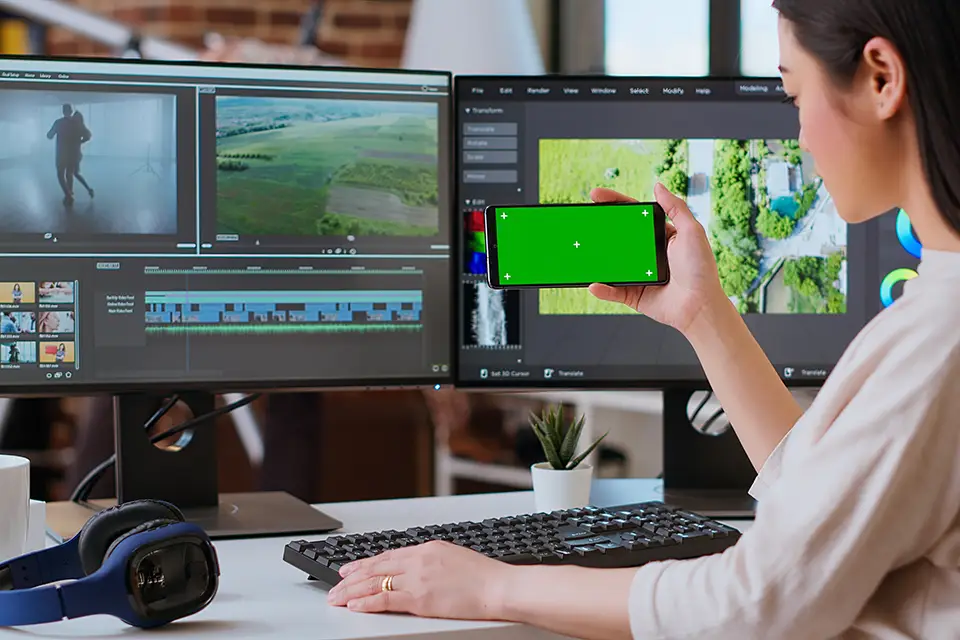
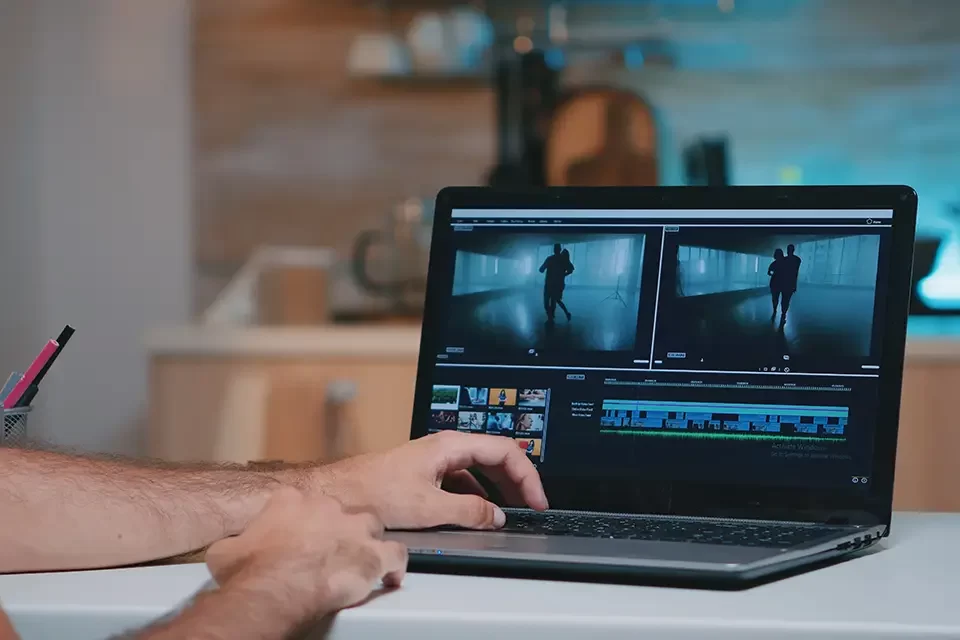
In today’s digital landscape, video content is the most popular across social media platforms. Whether it’s TikTok, Instagram, YouTube, or Facebook, the power of a well-edited video can make the difference between going viral or fading into the background. As videos continue to dominate user engagement, choosing the right video editing apps is critical for social media success. These apps improve the quality of your videos and allow you to edit quickly. Moreover, you can optimize your content for various platforms and reach a larger audience.
Best Free Video Editing Apps for Social Media
- iMovie (iOS/macOS): iMovie is a must-have app for Apple users, and it is frequently praised for its simple, intuitive interface. It includes essential editing tools such as trimming, splitting, transitions, and music inserting. This app is ideal for beginners who want to create professional-looking videos without complicated features. Moreover, iMovie is also optimized for social media sharing, with options to export directly to platforms like YouTube and Facebook.
- CapCut (iOS/Android): Due to its seamless integration with the platform, CapCut has become a popular choice among TikTok creators. It includes trendy filters, effects, and sound libraries, allowing users to create viral content easily. It is user-friendly for beginners but supports more advanced editing features such as keyframe animations, speed adjustments, and chroma keying. CapCut is intended for social media creators who require quick and powerful editing tools.
- VN Video Editor (iOS/Android): VN Video Editor is an excellent free app that offers a variety of editing options. With multi-track editing, speed adjustments, and custom transitions, it’s powerful enough for creators looking for advanced capabilities without the price tag. This app is ideal for users who want more control over their video content but want to use a free solution.
- InShot (iOS/Android): InShot is specifically designed to create social media videos. It includes all of the necessary features, such as trimming, splitting, and merging videos, but its real strength is in its social media-centric tools. You can easily adjust aspect ratios for platforms like Instagram and TikTok, add text and use filters. You can also sync your videos with popular tracks from the built-in music library.
Best Paid Video Editing Apps for Social Media
- Adobe Premiere Rush (iOS/Android): Adobe Premiere Rush provides professional-level video editing to mobile users. It is a simplified version of Adobe Premiere Pro, including drag-and-drop features, transitions, color correction, and seamless integration with Adobe Creative Cloud. With the ability to export in 4K and adjust aspect ratios for social media, it’s a favorite among creators looking for high-quality, polished videos for YouTube, Instagram, and beyond.
- LumaFusion (iOS): LumaFusion is a professional-grade video editing app designed for creators who require advanced features while on the go. It also provides green screen capabilities, color correction, keyframing, and multi-layer editing. This app is ideal for social media marketers and videographers who require detailed control over their content and want to create polished, cinematic videos for platforms such as Facebook and LinkedIn.
- KineMaster (iOS/Android): KineMaster includes a full range of advanced editing tools. These include multi-layer editing, blending modes, chroma keying, and audio editing. It’s simple and powerful enough for creators looking to produce professional-quality videos. KineMaster is ideal for creators who need more granular control over their content for Instagram Reels, YouTube, or Facebook.
- PowerDirector (iOS/Android/Windows): PowerDirector is a comprehensive video editor that offers advanced features such as 4K exports, special effects, and slow-motion capabilities. Its user-friendly interface makes it accessible for both beginners and experienced creators. PowerDirector is especially beneficial for YouTube videos, as it provides content creators with optimized export settings and templates. Moreover, it enables them to achieve professional results with minimal effort.
Best Apps for Specific Social Media Platforms
- TikTok Video Editing: For TikTok, CapCut, and Funimate are excellent choices due to their seamless integration with the platform. CapCut offers popular TikTok effects and filters, while Funimate brings extra creativity with animation and transition effects, making it ideal for short, engaging TikTok videos.
- Instagram Stories and Reels: InShot and Splice are top Instagram content creators. InShot enables users to quickly adjust aspect ratios, whereas Splice provides simple trimming, text overlays, and music syncing for Instagram Stories and Reels. Both apps make it easy to create mobile-friendly, visually appealing content with minimal effort.
- YouTube: Adobe Premiere Rush and PowerDirector are particularly popular among YouTube creators. These apps provide advanced features such as multi-track editing, 4K exports, and templates designed specifically for YouTube. Whether you’re creating long-form content or YouTube Shorts, these apps ensure professional quality.
- Facebook and LinkedIn: LumaFusion and KineMaster are great options for polished and professional Facebook and LinkedIn videos. These applications provide extensive editing capabilities, which are ideal for producing professional networking videos or business-oriented content. This enables the development of high-quality, sophisticated content.
Key Features for Social Media Optimization
- Aspect Ratio and Resolution Adjustments: One of the most critical aspects of social media videos is that they fit platform-specific formats. Whether vertical for Instagram Stories, square for Facebook, or landscape for YouTube, the best video editing apps like InShot and Adobe Premiere Rush allow easy aspect-ratio adjustments.
- Text Overlays and Captions: Text overlays boost social media engagement. Apps such as InShot and VN Video Editor have customizable text features, whereas Splice and Adobe Premiere Rush have automatic subtitle generation, which is essential for accessibility and viewer retention.
- Music and Sound Effects Libraries: Royalty-free music and sound effects are essential for creating engaging videos. InShot and CapCut have built-in libraries that make it simple to sync music to your video, whereas KineMaster and Adobe Premiere Rush provide more advanced audio editing capabilities.
- Filters and Effects: Creative filters and effects can turn a basic video into a viral sensation. Apps like CapCut, PowerDirector, and Funimate provide extensive libraries of filters, transitions and effects. Moreover, this allows your content to stand out on crowded social media platforms.
Choosing the right video editing apps can significantly impact your social media presence. Whether you are a beginner or a professional, there are free or paid options to meet your needs and goals. From CapCut’s seamless TikTok integration to Adobe Premiere Rush’s professional-grade tools, these apps have the features to optimize your content for social media platforms.
Are you ready to elevate your social media video content to the next level? Contact TASProMarketing in Richmond Hill, Ontario, today for expert advice on increasing your engagement and reach across all platforms.